Crews rarely lose time on the splice itself. They lose it hunting for a stripper, driving back for a tester, or improvising a tool that should have been in the case. This FTTH tool kit checklist is the working list we pack against — organized by job stage, so you can check any kit, from any supplier, against the work your crews actually do.
1. Opening and preparation
- Cable jacket strippers — for opening round and drop cables without nicking the fibers inside.
- Kevlar shears — aramid strength members dull ordinary scissors in a day; a dedicated pair such as the KS-1 stays in every kit we pack.
- General hand tools — screwdrivers, hex keys, cutters, a flashlight and a marker, for cabinets, closures and hardware.
2. Stripping down to bare fiber
- Tri-hole stripper — the everyday tool for jacket, buffer and coating layers.
- Drop cable and specialty strippers — matched to the cable types on your network; a complete stripping set covers everything from 250 μm bare fiber to cables up to 28 mm across.
- Mid-span access tools — for opening a cable mid-run during maintenance and repair work.
3. Cleaning — the step that decides the test result
- One-click cleaners — 1.25 mm for LC/MU and 2.5 mm for SC/FC/ST connector end faces.
- Cassette cleaner — a KC-105 type cleaner for bench and cabinet work.
- Lint-free wipes — the consumable no kit should ever run out of; dirty end faces fail tests no matter how good the splice is.
4. Cleaving and splicing
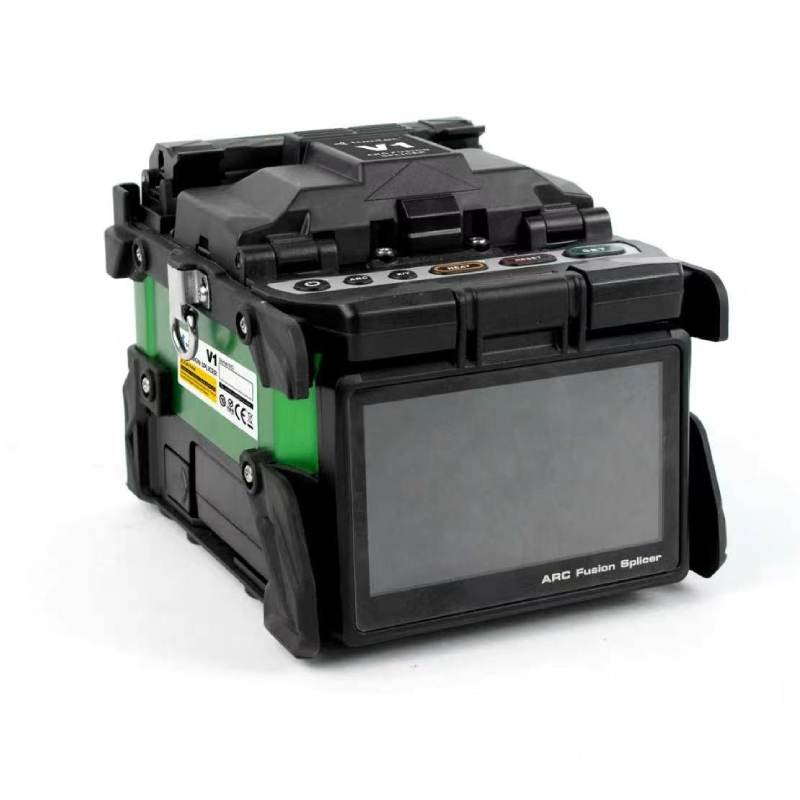
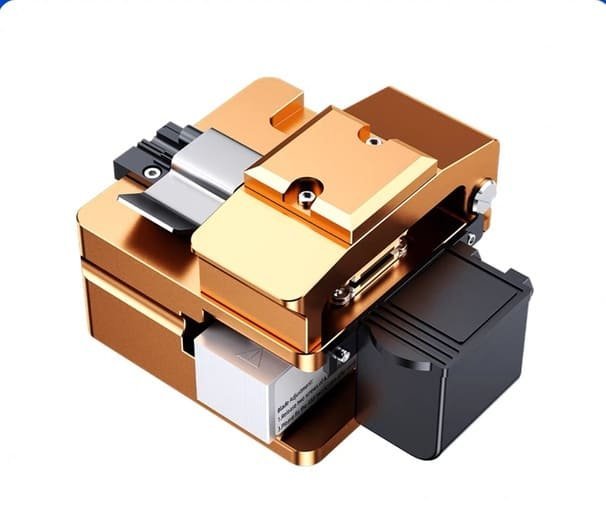
- Precision fiber cleaver — the heart of the kit. A one-step model such as the K-35 gives the same cleave on the first job and the two hundredth.
- Spare blade and consumables — a cleaver blade and splicing consumables ride along, so a worn blade never stops a crew mid-route.
5. Testing and handover
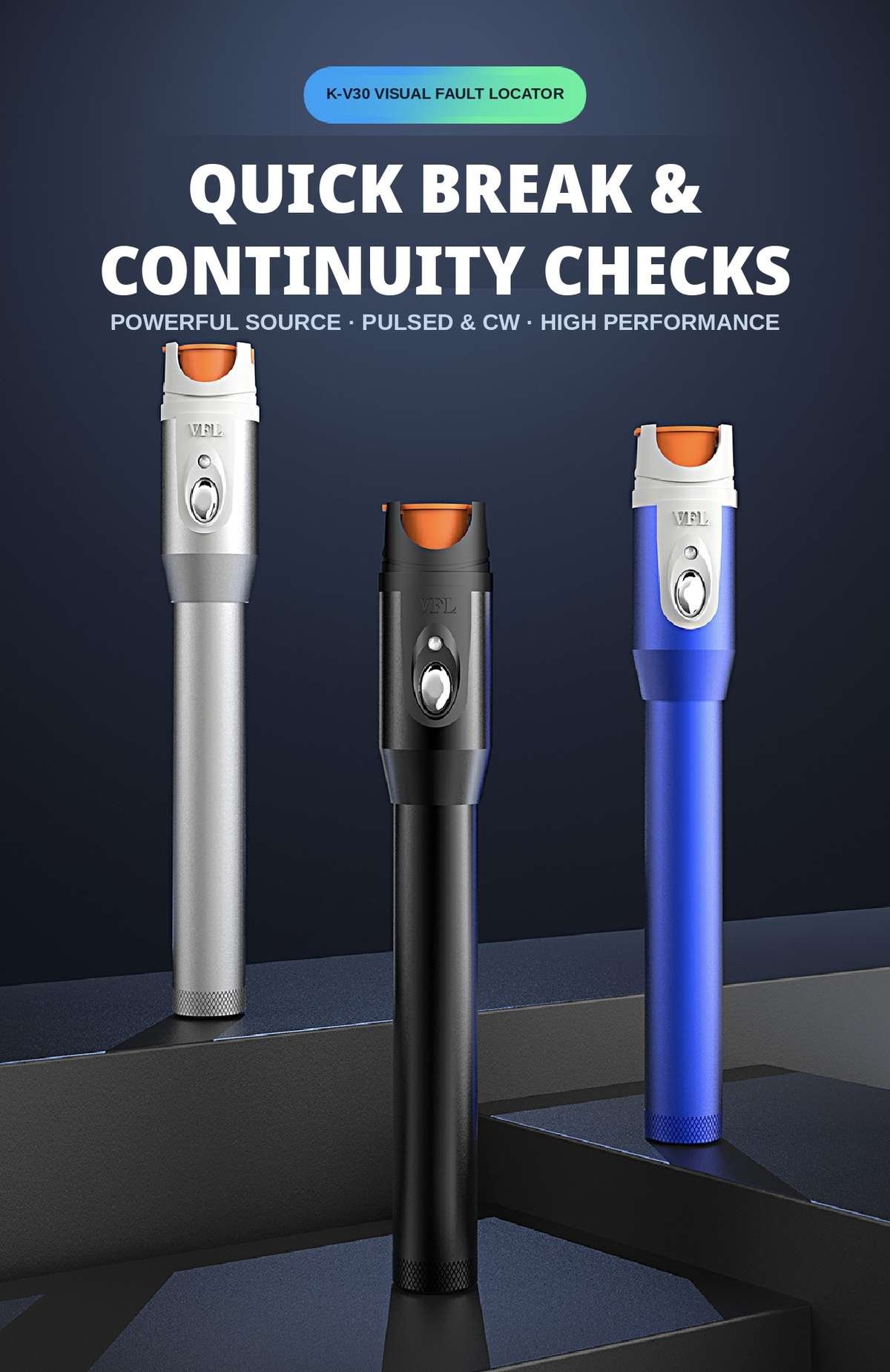
- Visual fault locator — fast fault finding and fiber identification on short runs.
- Optical power meter — proves the link meets spec before the crew packs up and hands over.
- Fiber identifier — for live-fiber work where the wrong fiber is the expensive mistake.
6. The case itself
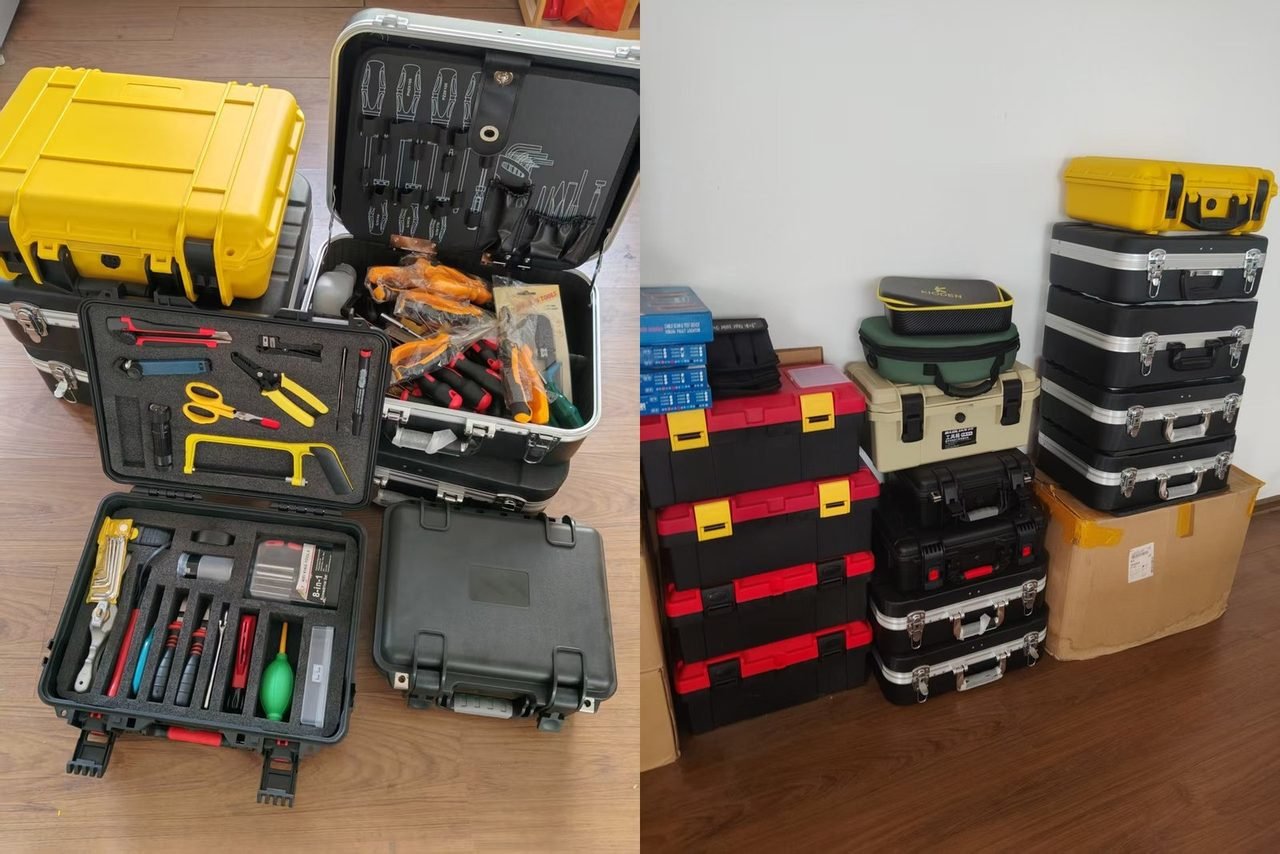
A checklist is only as good as the case that carries it. Hard cases with shaped foam inserts protect the precision tools, and an empty slot tells the crew something is missing before they leave — not after they arrive. Contractors running several crews standardize the layout across cases, so any technician can pick up any kit and work. Our contractor tool kit guide covers how to judge a kit as a buyer, and Inside a Fiber Optic Construction Tool Kit shows how the finished cases look in practice.
FTTH tool kit checklist — FAQ
What is the minimum a basic FTTH installation kit should contain?
One stripping set matched to your cable types, Kevlar shears, a precision cleaver, one-click cleaners and wipes, a visual fault locator and a power meter — in a hard case with a slot for every tool. That minimum covers installation and basic maintenance without improvisation.
Is one kit enough for a whole crew?
It depends on how the crew splits its work. If two technicians strip and cleave in parallel, duplicate the preparation tools and cleaver rather than buying two full kits; testing tools can usually be shared. Packing per role is cheaper than packing per person.
Can a tool kit be customized to our network?
Yes — that is how kits should be bought. Cable types, connector types (LC vs SC) and work scope change the list, so we assemble kits to order around the checklist above. Start from our 11-in-1 cleaning and stripping tool kit, then adjust: send us your cable types and crew setup, and we will reply with a kit configuration and factory pricing (EXW). Write to silvia@licoom.com or use the quote form on the kit page.